Audit log
What Faldro records in the organisation's event log, how to filter it, who can see it and how long entries are kept.
Updated 19.10.2026
Table of contents
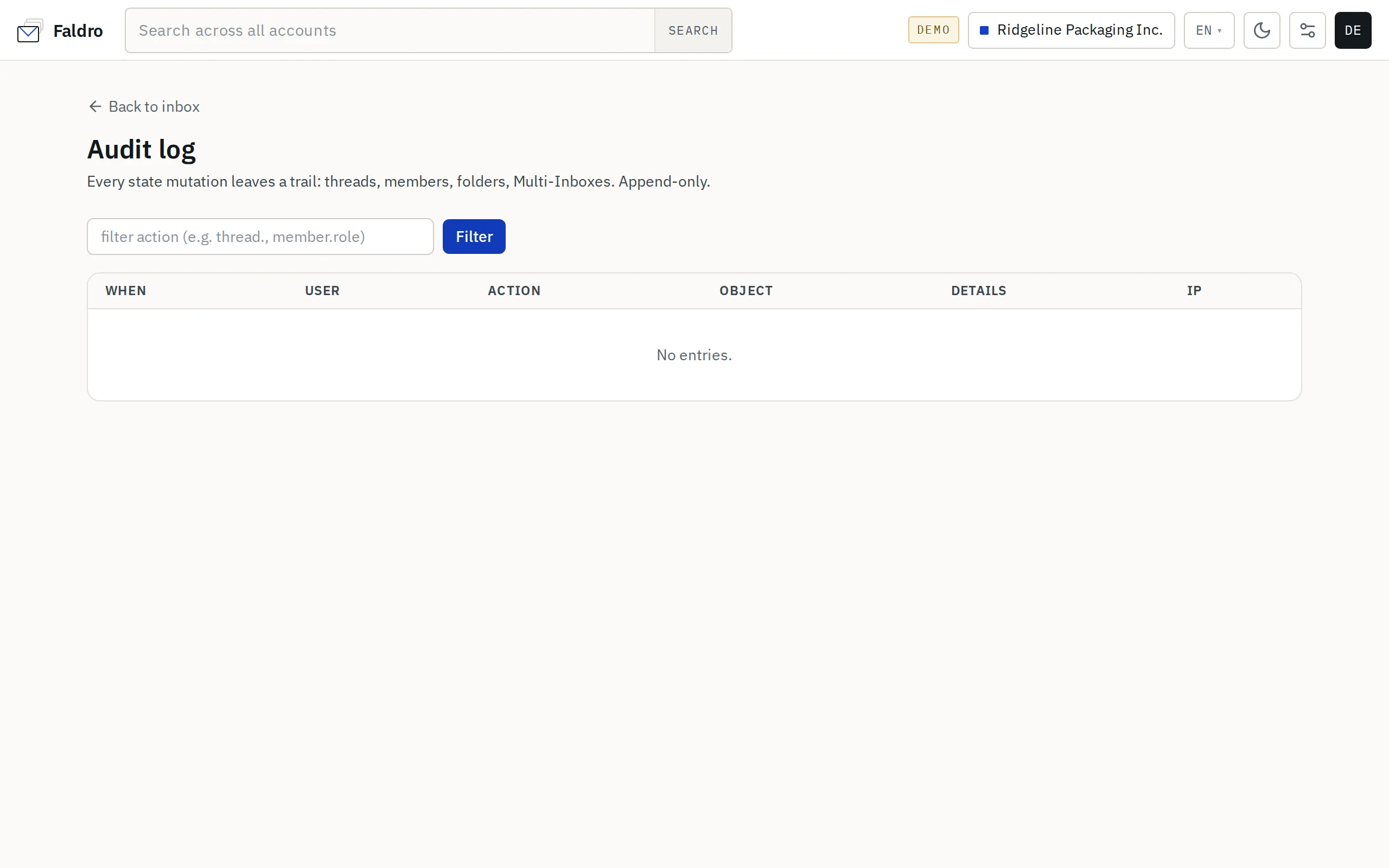
The audit log is a chronological list of changes in the organisation: who did what, when, and from which IP address. Entries are only ever added — the app gives you no way to edit or delete them.
Where to find it and who sees it
The log lives at /mail/audit (the Audit log screen). There's no tile for it in Settings — bookmark it. Only the organisation's admins can see it, and it always covers the active organisation; other organisations' entries aren't shown.
Columns
| Column | Contents |
|---|---|
| When | Relative time ("2 hours ago"); hover for the exact date. |
| User | Who performed the action. Empty (—) for system events. |
| Action | The event's technical name, e.g. member.scope.change. |
| Object | Object type and number, e.g. thread #1842, member #12. |
| Details | Extra event data, e.g. the new scope, the account list of a multi-inbox, forwarding recipients. |
| IP | The address the request came from. |
Newest entries are at the top, 50 per page.
Filtering
Type the beginning of an action name into the box above the table and click Filter. The filter matches the start of the name, so member. shows every member change and thread. every action on threads. Clear returns to the full list.
What gets recorded
| Prefix | Example events |
|---|---|
member. |
scope change (member.scope.change), multi-inbox access change, member removal, invitation re-sent |
account. |
adding, editing, disconnecting and reconnecting a mail account, setting up forwarding |
identity., signature. |
sending identities (including SMTP tests) and signatures |
thread. |
star, archive, trash, spam, mute, bulk actions, labels, assignment, status, notes |
message. |
sending a new message, forwarding, scheduling, undoing a send, fetching the full content |
folder. |
creating, renaming and deleting folders |
label., spam_rule., multi_inbox. |
changes to labels, spam rules and multi-inboxes |
routing_rule., reply_template., sla_policy. |
customer-support settings |
domain. |
domain readiness checks and sending limits |
migration. |
progress of the Gmail migration wizard |
org.backup., organization.delete. |
backup download, Google Drive copy, organisation deletion |
auth. |
turning two-factor sign-in on and off, revoking sessions |
Simply reading mail isn't recorded — the log tracks changes, not viewing.
Some events count as sensitive (among them a new mailbox, a changed mailbox password or server, a new sending identity, spam and routing rules, a backup download, a request to delete the organisation). On top of the log entry, admins get an e-mail about them.
Retention
Entries older than 365 days are deleted automatically once a day. If you need a longer history, save the parts you need periodically.
When it helps
- "Who moved this thread to the trash?" — filter
thread.trash; the thread number is in the Object column. - "Since when can Anna send?" — filter
member.scope. - After an incident, check which IP addresses account changes came from — filter
account..
Who can see the log is covered in Permission scopes.
Did not find the answer?
Check the help section with typical problems or write to us — we reply on working days.